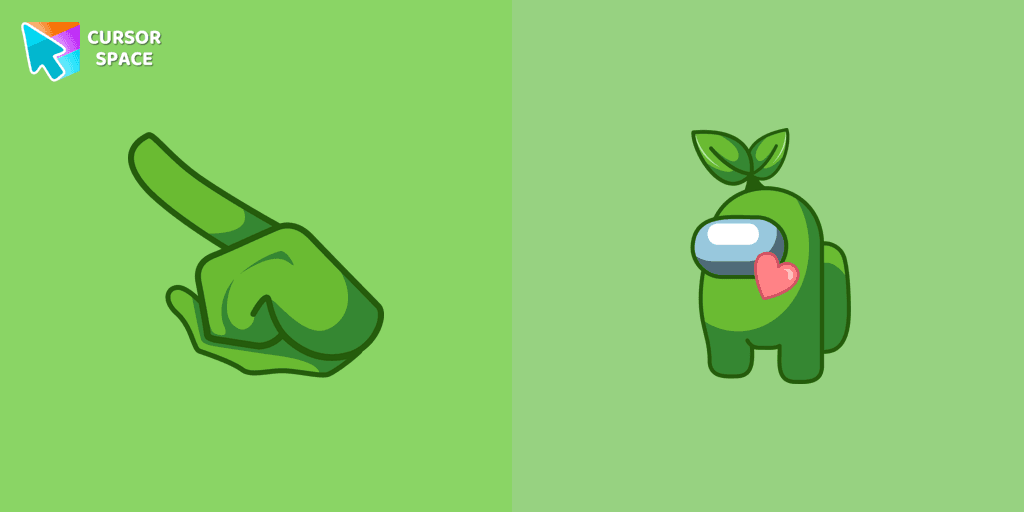
Among Us Green Character With Green Leaf cursor
113Free
Embrace Nature: Exploring the Among Us Green Character with Green Leaf Cursor
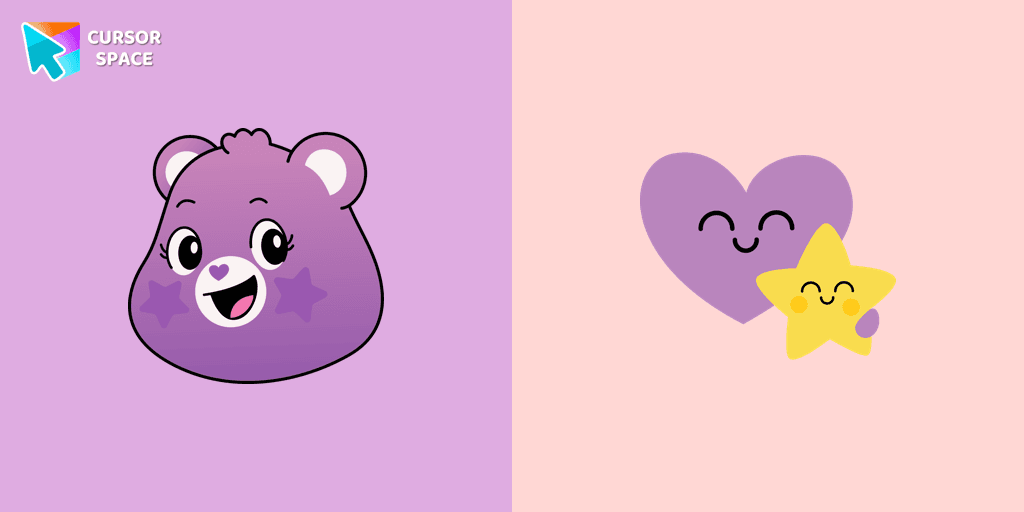
The Take Care Bear cursor is a fun and heartwarming way to personalize your browsing experience. Inspired by the beloved Care Bears, this custom cursor replaces your standard mouse pointer with the caring and compassionate Take Care Bear, a character known for spreading kindness and positivity. Whether you're a long-time fan of the Care Bears or simply looking for a cute cursor to brighten your screen, this colorful and animated cursor is the perfect choice.
With its signature warm smile and vibrant design, the Take Care Bear cursor serves as a gentle reminder to prioritize self-care and kindness in everyday life. It's more than just a browser cursor—it's a symbol of love and compassion that enhances your online interactions. This Care Bears-themed cursor is available as a custom pointer for Chrome, making it easy to install and enjoy in just a few clicks.
If you're tired of the default mouse pointer, why not explore a collection of unique cursors? Whether you're into kawaii cursors, cartoon cursors, or fun cursors, the Take Care Bear cursor fits perfectly into a themed cursor collection. It’s ideal for fans who want a custom mouse pointer that stands out while staying true to the adorable world of Care Bears.
Download the Take Care Bear cursor today and bring a touch of warmth, nostalgia, and joy to your browsing experience. Installing a custom cursor for Google Chrome has never been easier—simply add it to your browser and enjoy a more personalized, fun way to navigate the web!
Install the Cursor Space extension for Chrome or Cursor Space for Edge in your browser.
On this page, click "Add this cursor pack to the extension".
Open the extension and go to the Packs tab.
Find the custom cursor pack "Take Care Bear cursor" and click it.
Enjoy!
Get this cursor pack and thousands of others by installing our extension. It's fast and free!
Take Care Bear Cursor is a themed cursor pack you can add to your browser to personalize your pointer across common cursor states (default and pointer). Use it for everyday browsing, streaming, studying, or gaming-anywhere you want your cursor to match your vibe.
See how the cursors look before installing.
Add the pack to the extension in a few clicks.
Designed for Chrome and Edge via the extension.
Quick answers to common questions about cursor packs, collections, and installation.
Yes. To apply cursor packs in Chrome or Edge, install the Cursor Space extension and add this pack to it.
Cursor packs are designed for Chromium browsers like Chrome and Microsoft Edge.
Open the extension, choose another pack or disable the current one to return to your default cursor.
Custom cursor and packs - neon, anime, pixel art. Quickly add to Chrome and Microsoft Edge for free
Embrace Nature: Exploring the Among Us Green Character with Green Leaf Cursor

Add fun to your browsing with the Among Us Builder Character custom cursor. Replace your standard cursor with a playful custom cursor for Google Chrome today!

Explore our custom cursor collections, including Oreo Spark Violet. Personalize your Chrome with dazzling designs and vibrant colors.
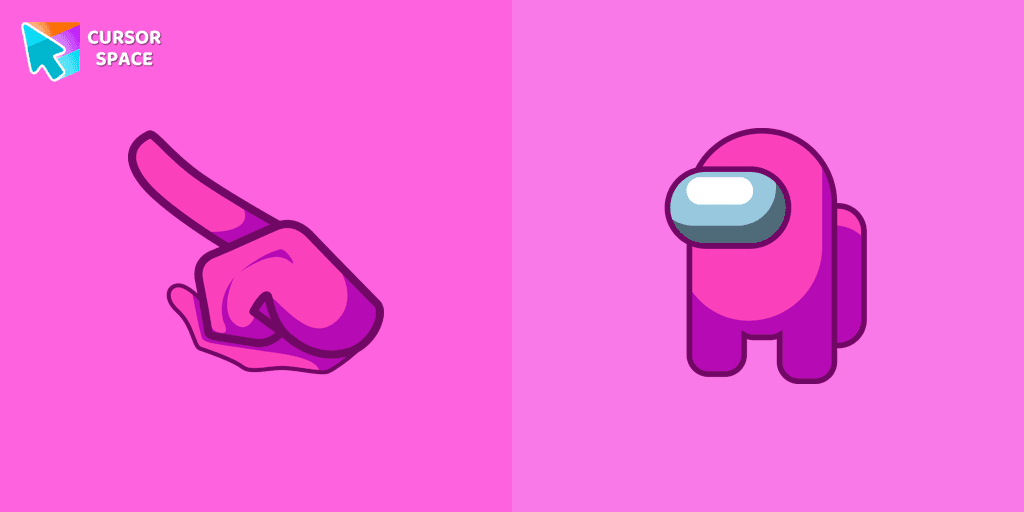
Our custom cursors collection for Chrome includes the Pink Among Us Character cursor, allowing players to stand out in the game and add a personal touch to their gameplay experience.
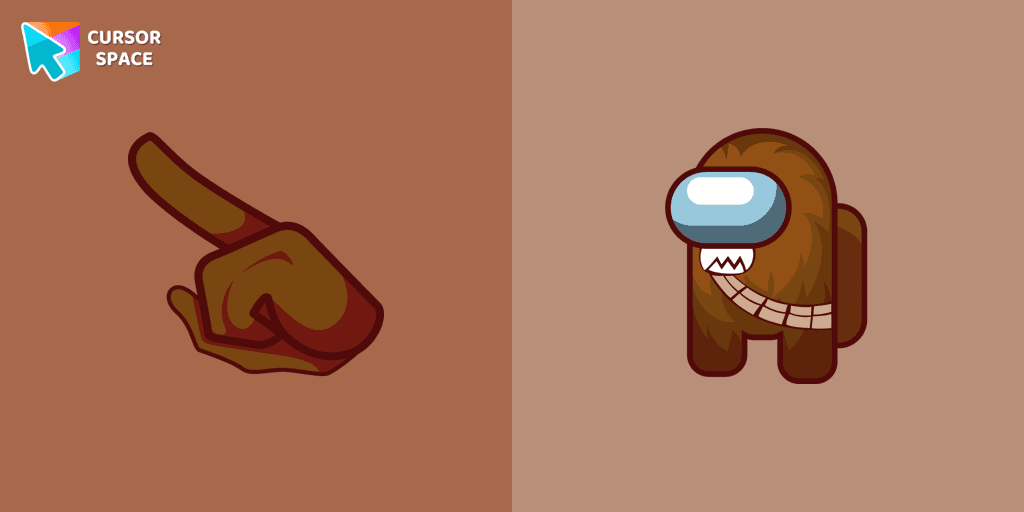
The Chewbacca character cursor is a highly sought-after customization option in Among Us.
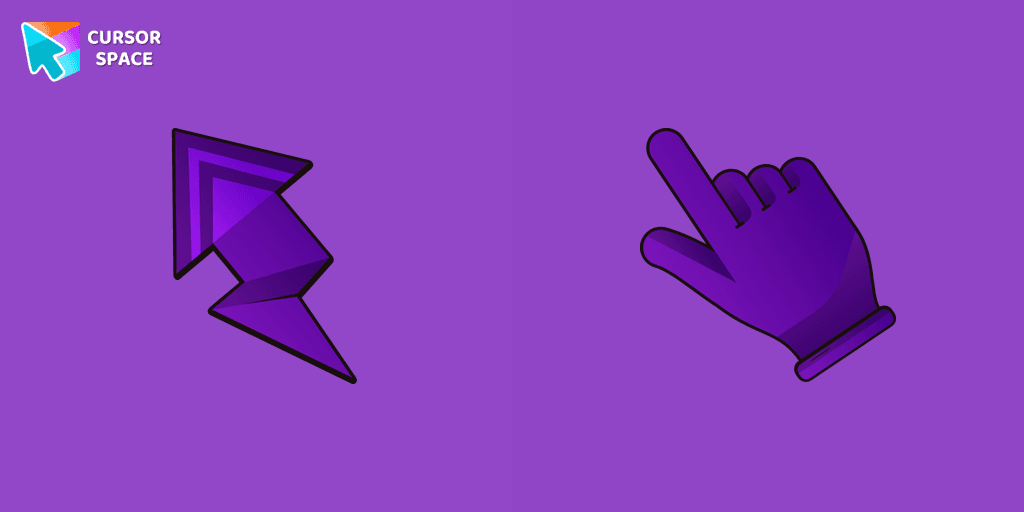
Transform your Chrome experience with custom cursors like Lightning and Star Wars themes. Add style and fun to your screen today!
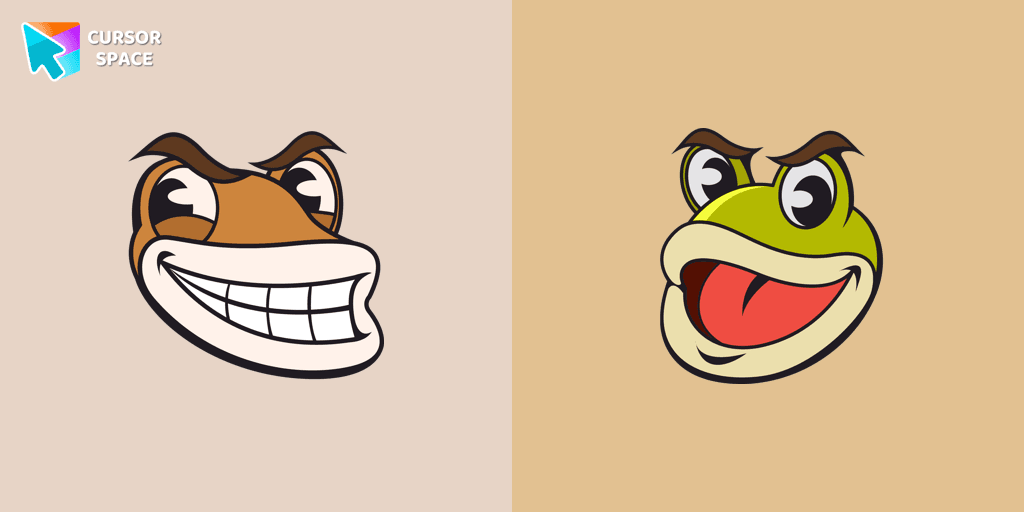
Ribby and Croaks custom cursor for Google Chrome brings the iconic Cuphead bosses to life. Enjoy an animated, dynamic cursor that enhances your browsing experience
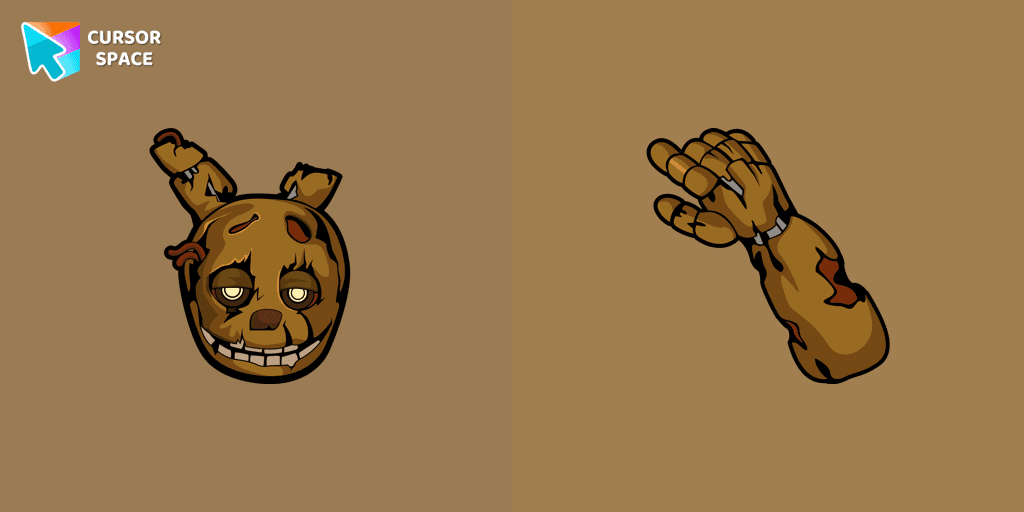
Lightly worn Springtrap from our Five Nights at Freddy's custom cursors collection for Chrome.
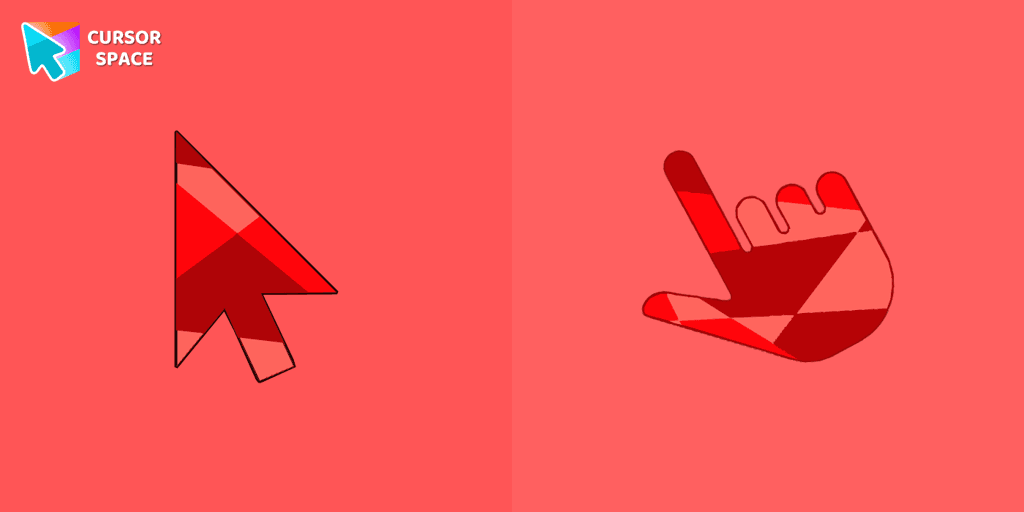
Ruby custom cursor for Google Chrome helps you track text input and operations in Ruby coding. Improve text processing and editing efficiency with ease.

Illuminate your screen with a vibrant, energetic custom cursor in orange. Boost creativity, capture attention, and enhance your browsing experience!
Transform your browsing with a custom cursor for Google Chrome! The Minion Ninja Turtle Character cursor combines fun Minions with Ninja Turtle excitement.
Kurousa and Shirousa custom cursor from our Hello Kitty cursors collection for mouse and pointer.
Installation leaders from "Care Bears": free packs, neon/anime/pixel art, quick add to Chrome and Edge.

The Love-a-lot Bear custom cursor from our custom cursors collection for Chrome.
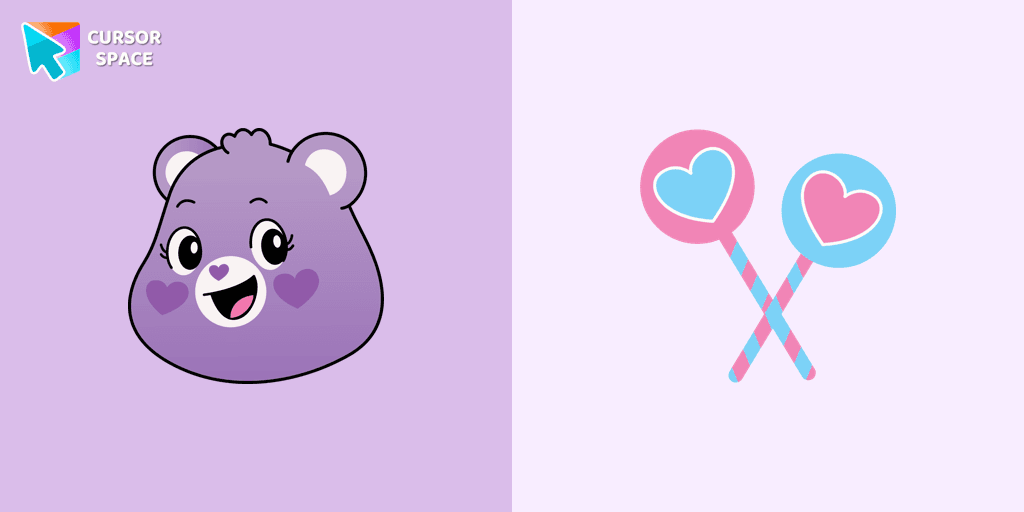

Smart Heart Bear custom cursor for the mouse is a pretty character in a Care Bears cursor collection for Chrome.
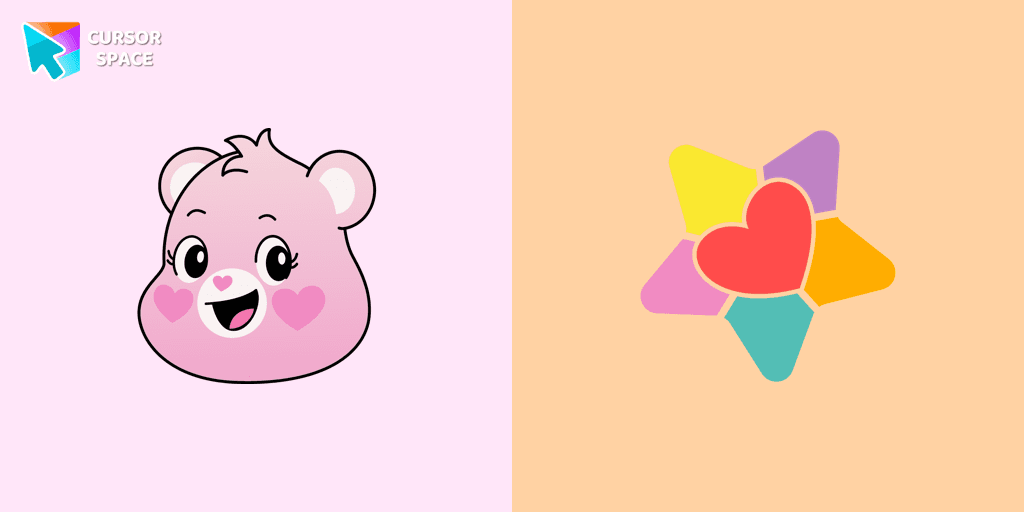
The True Heart Bear custom cursor brings charm and nostalgia to your browsing. Enjoy this adorable custom cursor for Google Chrome featuring the iconic Care Bears character.
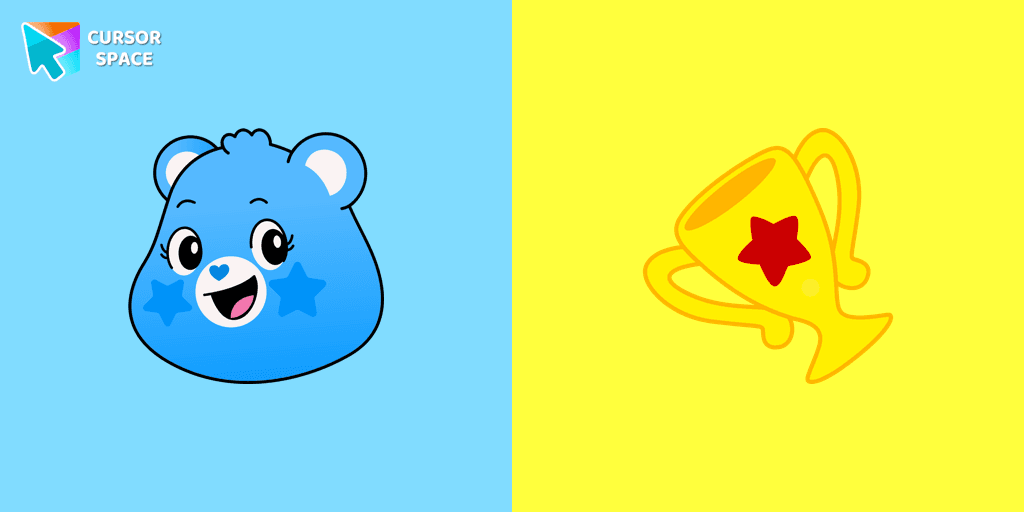
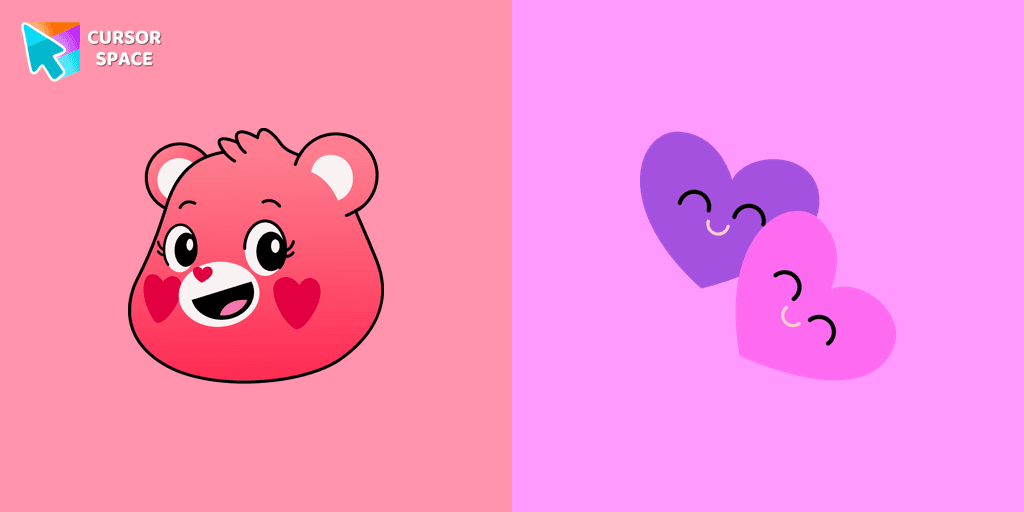
Stay Connected with the Always There Bear Cursor - A Trustworthy Companion

Grumpy Bear cursor for mouse and pointer in a terrific custom cursors collection for Chrome with Care Bears.
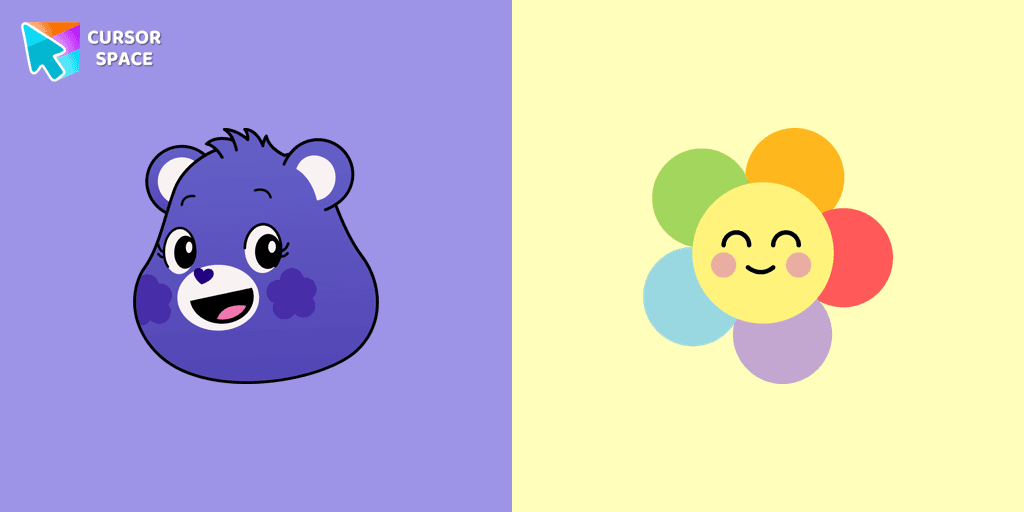
A fun Harmony Bear as a custom cursor for mouse and pointer with which we can spend many hours of fun.
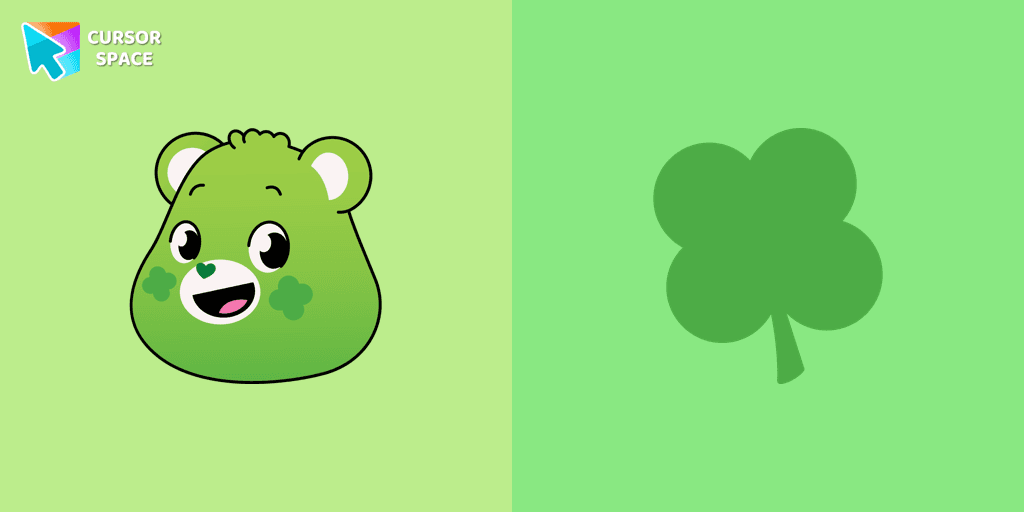
Care Bears for Chrome cursor set has a custom cursor Good Luck Bear as a pointing device.

Bedtime Bear custom cursor for the mouse is a pretty bear in a Care Bears cursor collection for Chrome.
Add packs instantly and unlock access to thousands of cursors: neon, anime, pixel-art, and more. Fast, safe, and free.
Cursor Space is an extension for changing your mouse cursor in Chrome and Edge browsers: themed collections, HiDPI icons, neon, animated, and pixel cursors, with quick installation.